
Key Takeaway
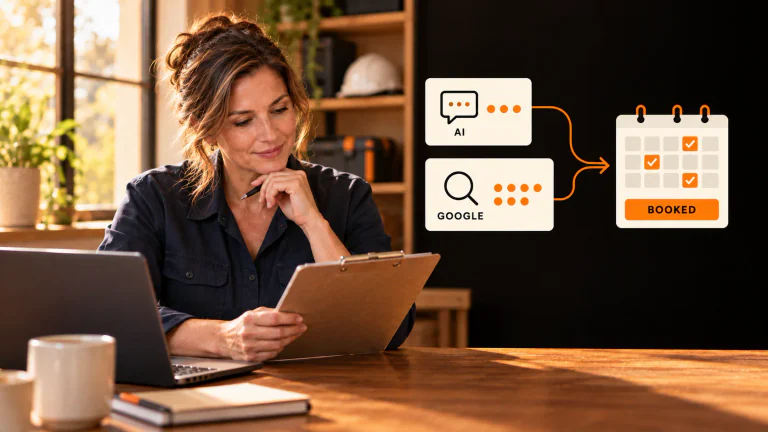
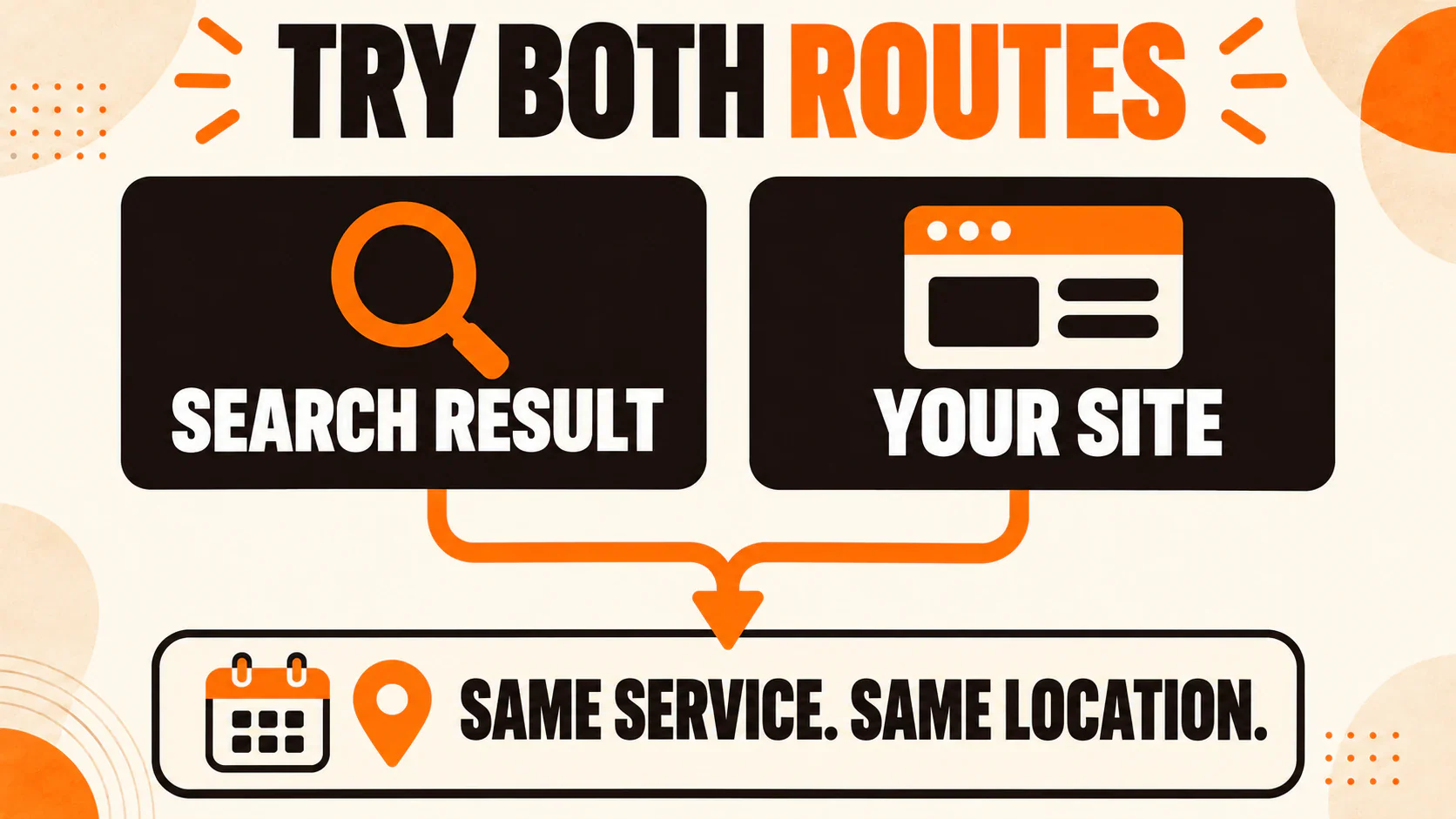
Try the number or booking link someone finds in search, then try the one your team gives out. See whether both get them to the right person or appointment.
Say your heat goes out in Atlanta. An AI answer suggests an HVAC company that does repairs near you. You call the number it gives you and get someone who can sell you a new furnace.
You just need someone to look at the one you have.
If you own that company, your report might show a call from someone who needed your help. The homeowner is already looking for another number. Pull up an AI result for one of your services and try the number or booking link yourself. You might find the part of the story your report missed.
Table of Contents
What would someone come to your site to check?
In Fractl’s survey of 1,007 U.S. adults, 72% said they wanted a real source for health and wellness decisions. On a separate question, 56% said they read the AI answer and clicked a link to double-check when one appeared at the top of their search results. That’s what people said they do. The survey didn’t follow them through to an appointment.
Put yourself in the shoes of someone who clicks. Maybe they’re trying to find out whether the office near work offers the service, what happens on the first visit, or whether they can pick a time without waiting for a callback. Your front desk probably answers those questions all week. Ask them how they explain it, then put their answers on the service page where someone is about to call or book.
Sometimes people can skip straight to a booking page. Cheers tested 32 home-service questions across 60 U.S. metro areas from October 9 to 31, 2026 and found a booking or scheduling link in 29.3% of Google AI Mode answers. Cheers counted the links in the answers. The study didn’t track whether anyone booked.
Cheers also checked phone numbers ChatGPT gave in October against the businesses’ websites. Of the 374 U.S. numbers it could check, 66 didn’t appear on the pages it reviewed. Cheers didn’t dial them. A number you don’t recognize could be a tracking number that still rings the right desk. If you find one for your business, call it and see who picks up.
Try it from two starting points
Start with one thing a customer might look for, like heating repair in Atlanta. Use your phone. Save the exact search, the date, where you saw the answer, and the number or link it gave you. Write down what you’d expect to happen next. “Reach someone who can send a repair tech to this address” gives your team something specific to check.
Now call the number or open the link your team gives customers today. If that works, look at what’s different about the one you found. Maybe the listing has an old link, or a tracking number sends you to the wrong desk. If you get stuck in the same place both ways, look at the page, phone menu, calendar, or inbox both paths use.
Sometimes the link works fine and the answer gets a detail wrong. If you can see where it got the information, start there. Fix the page or listing you control, then check the public answer again once it’s had time to update. If AI leaves your business out that day, make a note of it. You can still run the booking check from your regular Google result.
Let staff know it’s a test when you call. You can see most of the booking steps without entering anyone’s private information or taking a real slot. If you need to see what happens after a form goes through, ask your team to run a clearly labeled test and leave it out of the lead report. If you stop at the form, write that down. The next person needs to know whether you got as far as a confirmation.
Where four Atlanta customers could get stuck
Imagine how these four calls or bookings might play out.
Home services
Back to the furnace. You call the number on your Atlanta heating repair page and get dispatch. You try the one the AI answer gave and get installation estimates. They can take an address and ask about the furnace. They can’t send a repair tech.
Give your phone manager the exact number. Ask where it forwards during repair hours and have them check with dispatch before changing it. While you have dispatch on the phone, ask which addresses they serve and what staff can promise when someone asks for a same-day visit.
Then call the original number with an address your team has approved for testing. Can the person who answers check that address and tell you what repair visit is available? That’s the call the homeowner needed the first time.
Healthcare
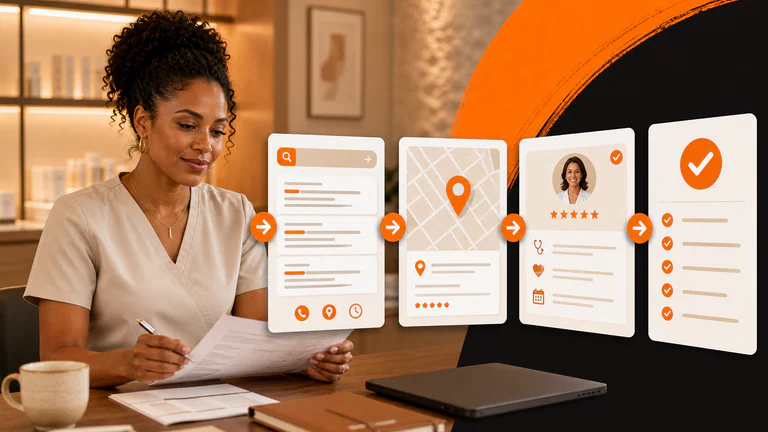
Say someone wants a first physical therapy evaluation in Atlanta. They fill out the appointment form and pick Tuesday. The front desk gets the request. The patient is still wondering whether that office can see them or whether someone has to check a referral or insurance coverage first.
Ask the person who handles new patients to show you what comes in. Can they tell it’s a first evaluation? If they need to check something before offering a time, who does it and who calls back? When you update your service and location pages, give patients a way to request a first evaluation at the office that offers it. Tell them beside the button what your team needs to check and how they’ll hear back.
Have someone on staff send a test request that needs one of those checks. The person receiving it should be able to name the office, say who handles the check, and explain what happens before a time is confirmed.
Aesthetics
An Atlanta medspa lets someone choose a preferred time for a first consultation. The form says, “Your appointment is confirmed.” They put it on their calendar. The front desk still has to see whether that time is open.
If that’s how your team schedules, change “Book a consultation” to “Request a consultation time.” The form can say, “We received your request. Our team will confirm your appointment once we check availability.” The consultation gives a qualified professional a chance to assess whether a treatment is suitable.
Send a test request and ask the front desk what they got. Can they see the office and the preferred time? Who sends the confirmation, and did it reach your test contact? If everyone can see the request, make sure someone knows it’s theirs to answer.
Dental
An Atlanta dental practice has two offices. A patient taps “Schedule an implant consultation” on the page for the office they want. The calendar opens at the other office and offers cleanings.
Before you ask your web developer to fix it, copy the URL the button opens. If it goes to the general cleaning calendar, give the web team the correct link. If it’s already the link your scheduling team uses for implant consultations at that office, send them the link and a screenshot. They can check which office and visit type the calendar opens with.
Once it’s fixed, tap the same button on a phone. You should see the right office and an implant consultation. If your team can run an approved test booking, check those details on the confirmation too. The appointment is for a consultation. The dentist can assess whether implants are appropriate at the visit.
What happened after someone got in touch?
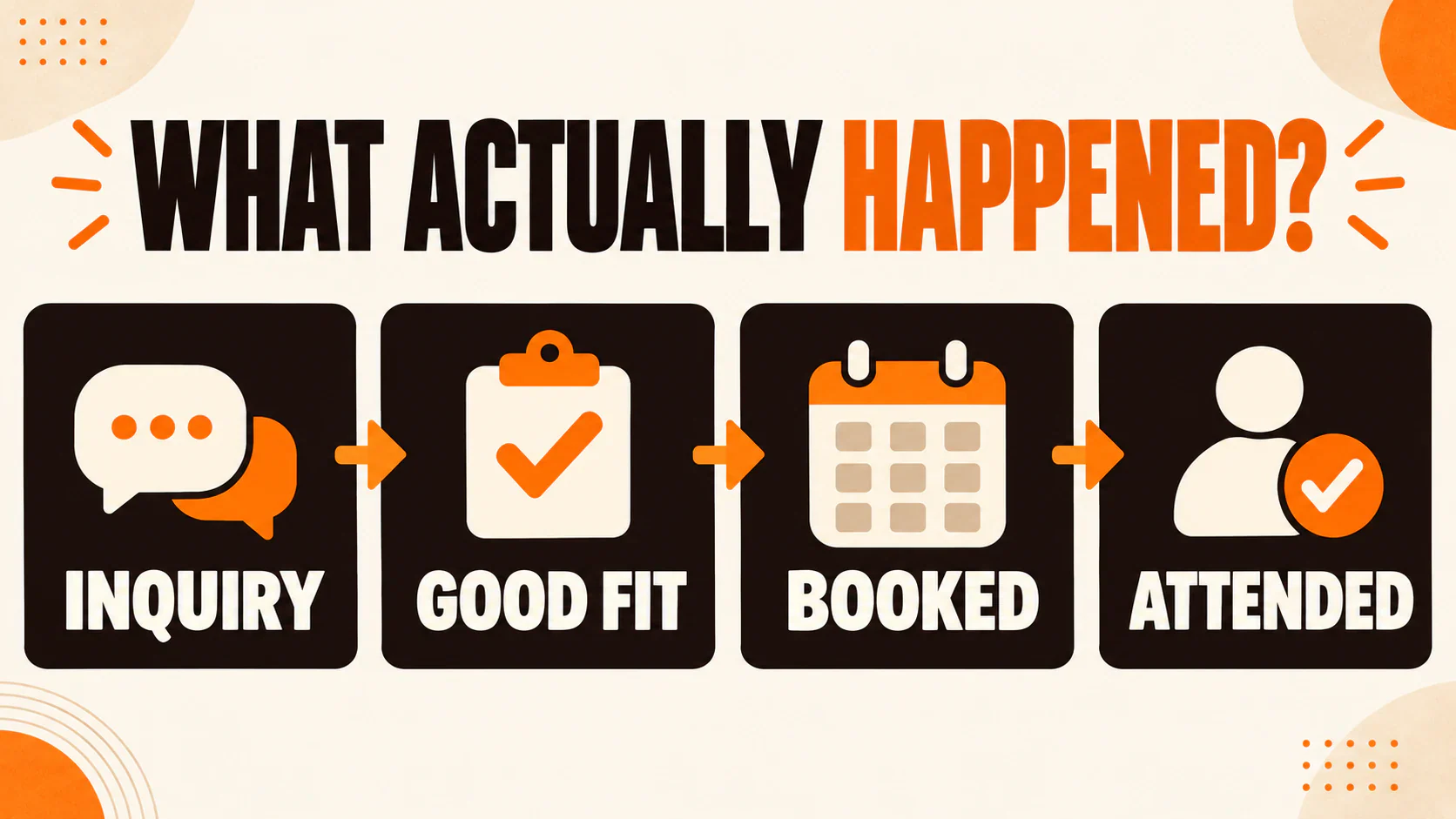
Someone can call straight from a result without visiting your site. They can also fill out a form and never get a time. When you look at the report, ask how many people got in touch, how many could use the service, and how many actually booked and showed up. For home services, check whether you sent a tech.
Say 40 people asked about one service at one office in a month. In this example, 30 were a fit, 18 of those booked, and 14 showed up. I’d start with the 12 good inquiries that hadn’t booked by the time you checked. Did anyone call them back? Could the office offer a time? Once all 18 appointment dates have passed, look at the four people who booked and didn’t come in. You’d ask a different set of questions about those appointments.
If you compare another month, use the same definition of a good inquiry and give people the same amount of time to book and attend. That matters when you compare leads from AI and Google, too. If someone tells you they found you in ChatGPT and called from Google, keep that detail with the inquiry and count it once. Leave the first source unknown when you can’t tell.
The next time someone sends you a screenshot of an AI recommendation, open it on your phone and try the number or link. If it goes somewhere you didn’t expect, send your team the exact route and tell them what you should see when you try it again.
If you’d like a hand, we can look at where your leads get stuck and talk through what to fix first.
Last updated