Key Takeaway
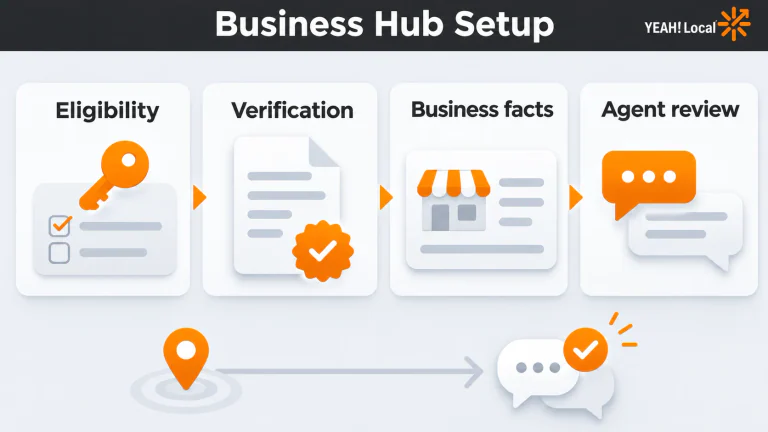
Check eligibility, claim the correct business, and complete verification before updating its information. Add an agent only if you can maintain its answers. Then check whether the attention turns into inquiries your business can actually serve.
When customers compare businesses in ChatGPT, the information they find needs to match what your team can actually deliver. ChatGPT Business Hub gives eligible owners a place to contribute those facts. Before you add it to the team's to-do list, check whether your business can use it and which parts are worth maintaining.
For an eligible business, the appeal is straightforward: supply better information where customers compare options, see how people engage, and potentially answer follow-up questions through a Business Agent. But claiming a profile and publishing an agent are separate jobs, with different requirements.
This setup guide follows OpenAI's documentation current on November 13, 2026.
Table of Contents
What ChatGPT Business Hub does
OpenAI introduced Businesses in ChatGPT in beta on November 10. Business Hub is the management interface for that program. It is separate from the paid ChatGPT Business team subscription.
The potential benefits cover three practical jobs:
- Supply current information. Give customers better facts to work with when comparing your offerings.
- Understand attention. Aggregate mentions, website clicks, and discovery topics provide a starting point for investigation.
- Answer follow-up questions, where eligible. A Business Agent offers a separate, clearly labelled conversation representing your business. It is distinct from ChatGPT's independent answer.
That last distinction matters. Helping someone understand a return policy is different from influencing which business ChatGPT recommends.
OpenAI's Businesses in ChatGPT terms do not guarantee placement, visibility, traffic, conversions, or sales. Claiming also doesn't give you exclusive control over the information ChatGPT displays. Treat the Hub as a place to contribute accurate facts, rather than a purchased position in an answer.
Keep your Google Business Profile current
Business Hub adds a place to manage information inside ChatGPT. Your Google Business Profile still supports your eligible business on Search and Maps, with hours, contact details, photos, and reviews. The platforms have different eligibility rules, so don't assume a Google profile qualifies you for ChatGPT's features. Keep your Google profile and website current as you set up the Hub. Our Local SEO approach connects those pieces to help customers choose.
Check eligibility before preparing a profile
Local stores and restaurants: existing U.S. listing only; eligible online businesses may see Add. If your business doesn't fit either description cleanly, check the offered path rather than assuming a plumber, clinic, or other service business qualifies.
Agent eligibility is narrower: eligible U.S. ecommerce and online service businesses with a website can proceed, subject to policy requirements. OpenAI's November 10 release notes describe that rollout and the approval gates.
You don't need an Ads account or Enterprise agreement to claim. Review the terms offered during setup before committing time or resources.
Write down any access blocker so the next review starts with a specific question. Don't create a duplicate or misclassify the business just to make a button appear. An unavailable feature is not a marketing emergency.
Prepare your business information
Before opening the form, gather the facts your team would want any customer to receive. The worksheet below is preparation advice, not a promise that every item has an editable field in your account.
| Prepare | Write down | Check against |
|---|---|---|
| Identity | Real business name and correct website | Business records and the live site |
| Offer | Products or services you actually provide | Current service pages or catalog |
| Coverage | Genuine locations, service area, or delivery limits | What your team can fulfill |
| Contact | Current phone, hours, and customer contact route | Website and Google profile |
| Visuals | Logo and useful photos you have rights to use | Original files and permissions |
| Policies | Public returns, delivery, cancellation, or other relevant terms | Current customer-facing policy pages |
| Ownership | Business-controlled account, responsible person, backup contact | Who can maintain access after staffing changes |
OpenAI's business information policy requires truthful, current details and rights to supplied images. It prohibits misleading information, fake profiles, and private or sensitive information in public materials.
Use the worksheet to catch disagreements before copying them into another platform. If the website says Sunday delivery is available and your team stopped offering it, settle that question first. Repeating the old promise more consistently would make the problem worse.
For a hypothetical outdoor retailer, a useful description could be:
We sell hiking footwear, daypacks, and camping supplies online and at our Asheville store. Visit our website to compare available products, check delivery information, or contact the team about fit.
Use that pattern only with facts that are true for your business. It explains the offer, location, and next step without inventing awards or stuffing a list of nearby cities into a sentence.
Claim, verify, and check the published details
Use OpenAI's current setup instructions beside the Hub. They're the reference for the options shown in your account.
1. Find the correct business and account. Open Business Hub on the web, available from ChatGPT's sidebar. Match the listing to the business you represent. Use an account the business can retain, and record who will own updates.
2. Follow the offered verification method. Use phone SMS/call, business-email code, domain TXT record, or Shopify connection as offered. Ask your domain administrator to handle a TXT record if needed.
For a locked listing, use Contact support; for an already-claimed listing, use Dispute ownership. Wait for an emailed decision on pending reviews. After failure, follow the email, correct record mismatches, and retry only when offered.
Persona is the identity-verification step. Read the warning below before continuing.
3. Read the publication warning before submitting identity information. Persona-created new profiles publish automatically upon approval. Only unpublished drafts can be deleted; support cannot hide, unpublish, or delete published profiles through setup or ownership requests.
Also review the terms before submitting public information. The display license for basic business information you submit publicly is perpetual and irrevocable. Make sure the business is ready for the information to be public.
4. Complete Persona and wait for approval. Claim approval opens Hub access; Persona approval unlocks edits, feeds, Insights, and eligible agent creation. The blue check requires Persona approval, not claiming alone. Persona may request government ID, business registration, and proof of authority.

5. Update the supported details and check the result. Compare what customers can see with your worksheet, website, and Google profile. Edits undergo review and may appear later. Answers can use other sources.
Record the status, date, and next action. “Submitted, awaiting approval” is a useful record. “Done” would hide the remaining work.
Decide whether an agent or product feed helps
A profile can be useful without an agent. Choose the optional work because it answers a customer need you can maintain.
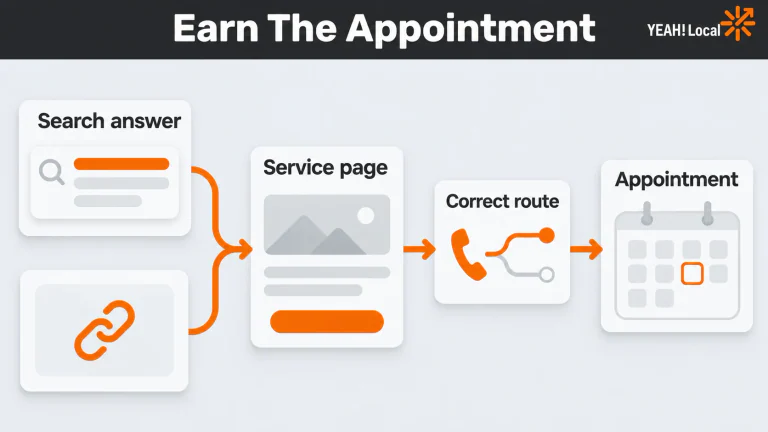
For the hypothetical retailer, questions about product differences and return conditions might justify an agent. Agents explain offerings and link out; they cannot complete purchases, bookings, or order lookups. The website still needs to finish the job.
OpenAI's Business Agents Policy requires clear AI representation, accurate information, and appropriate limits. Verification alone doesn't establish agent eligibility.
Before choosing Publish, try questions that expose mistakes:
- “Which of these daypacks fits the use I've described?”
- “Is that the current price, including any extra charges?”
- “Can I return a sale item?”
- “Can you deliver somewhere outside your stated area?”
- “What should I do if this size is unavailable?”
- “How do I contact a person?”
These are suggested checks, not OpenAI's required test script. Read the answers against your actual catalog and policies. Open the suggested links and confirm they lead to the right destination.
A starting instruction could be: “Identify yourself as our AI assistant. Use current supplied product and policy information. If information is missing, say so and direct the customer to our contact page. Don't promise exceptions or availability you cannot confirm.” Adapt it to the actual business and test again.
An agent requires a separate decision to publish. Creating, previewing, or linking one doesn't publish it or authorize advertising.
For products, use the current OpenAI feed specification. It requires an item or variant per row and prescribed fields; a generic shopping-feed template may be incomplete. Check representative variants, prices, availability, images, and destination URLs against the website before expanding the feed. Assign someone to keep stock and pricing current. Submission doesn't guarantee product recommendations.
Connect Insights to qualified inquiries
Insights covers 28 days. Online mentions count website references; local mentions count location results, even unopened. Blank doesn't necessarily mean zero.
Keep that definition next to the number. Otherwise two businesses can use the same label for different events.
OpenAI provides aggregate discovery themes, not individual prompts or customer conversations, including agent chats. Privacy thresholds apply. Themes can suggest information worth improving, but they don't tell you that a particular person intended to buy.
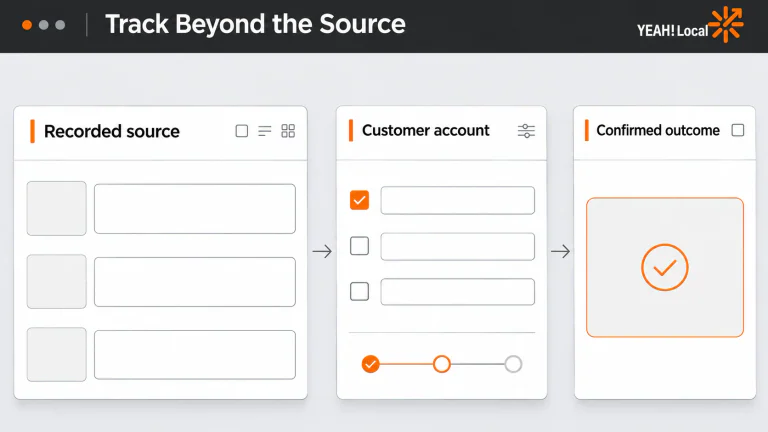
Use a small reporting sheet with separate columns:
| Record | What you need to know |
|---|---|
| Date and reporting window | Which period each system covers |
| Hub mentions and website clicks | Attention recorded inside ChatGPT, using the relevant mention definition |
| Identified website visits | Visits your analytics can actually classify |
| Qualified calls and forms | Real inquiries matching your services, area, and other legitimate requirements |
| Booked work | Appointments, estimates, or purchases supported by business records |
| Known revenue | Revenue connected by evidence; leave the unknown portion unknown |
| Changes and next action | What changed, what needs checking, and who owns it |
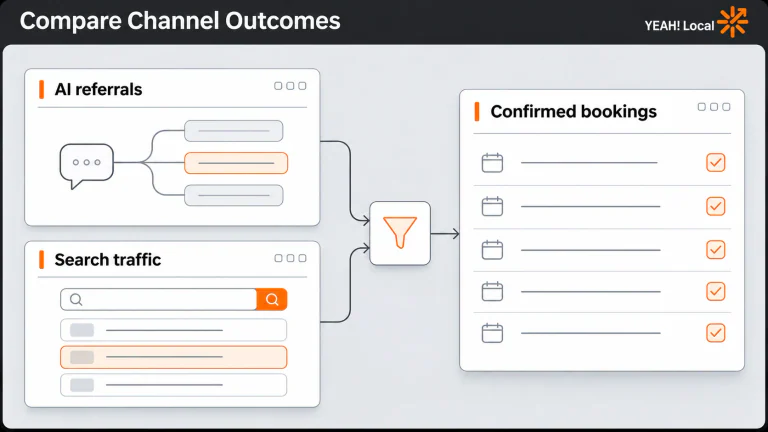
GA4 now documents an AI Assistant channel for recognized assistant referrals. Check the traffic your property identifies; don't assume every ChatGPT visitor will be recognizable or that Hub clicks must equal visits.
A hypothetical example: your records identify six inquiries associated with ChatGPT, but four ask for products you don't sell. The useful finding is two fitting inquiries and a reason to inspect the information attracting the other four. Reporting six leads would conceal the problem.

Don't divide clicks from one period by mentions from another to manufacture a conversion rate. And don't assign every later booking to the day you claimed the profile. A change followed by growth is a question worth investigating, rather than proof of cause.
Finish setup and assign the next review
Before closing the task, confirm that the account is correct, required approvals are complete, and public details match the business. If you published an eligible agent, confirm its answers and website handoff work. Name the person responsible and set the next review date.
Review again after changes to offerings, hours, locations, policies, prices, or stock. Periodic reporting helps too, but remember that nearby 28-day snapshots overlap; adding them together double-counts time.
If access is blocked, resolve access. If information is wrong, correct it. If relevant people reach the website but can't complete the next step, fix that handoff before chasing another visibility metric.
Need help connecting your local visibility to enough qualified calls and customers? Help Me Get More Leads.
Last updated