How to Track Leads from AI and See Which Ones Become Clients, Customers, and Patients
Key Takeaway
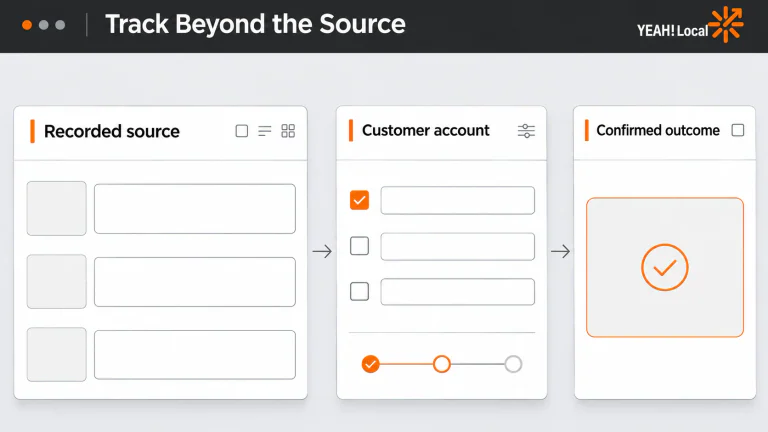
Keep the recorded source, lead quality, booking, and confirmed customer outcome together. Preserve what the customer says about finding you in a separate field. Those records answer different questions, and you need both.
Imagine someone contacts your home services, healthcare, or aesthetics business and says, “An AI assistant recommended you.” Your report credits a Google search for your business name. Which one is right?
Possibly both. The recommendation may have introduced the business, while the later search brought the customer to your website. Your tracking can record the visit it sees without knowing what happened before it.
You can still learn something useful from an incomplete trail. In our lead dashboard, open Leads by Source, filter for identifiable AI sources, and review the inquiries behind the total. Then connect those same opportunities to your appointment and business records to see who booked, became a customer, and paid.
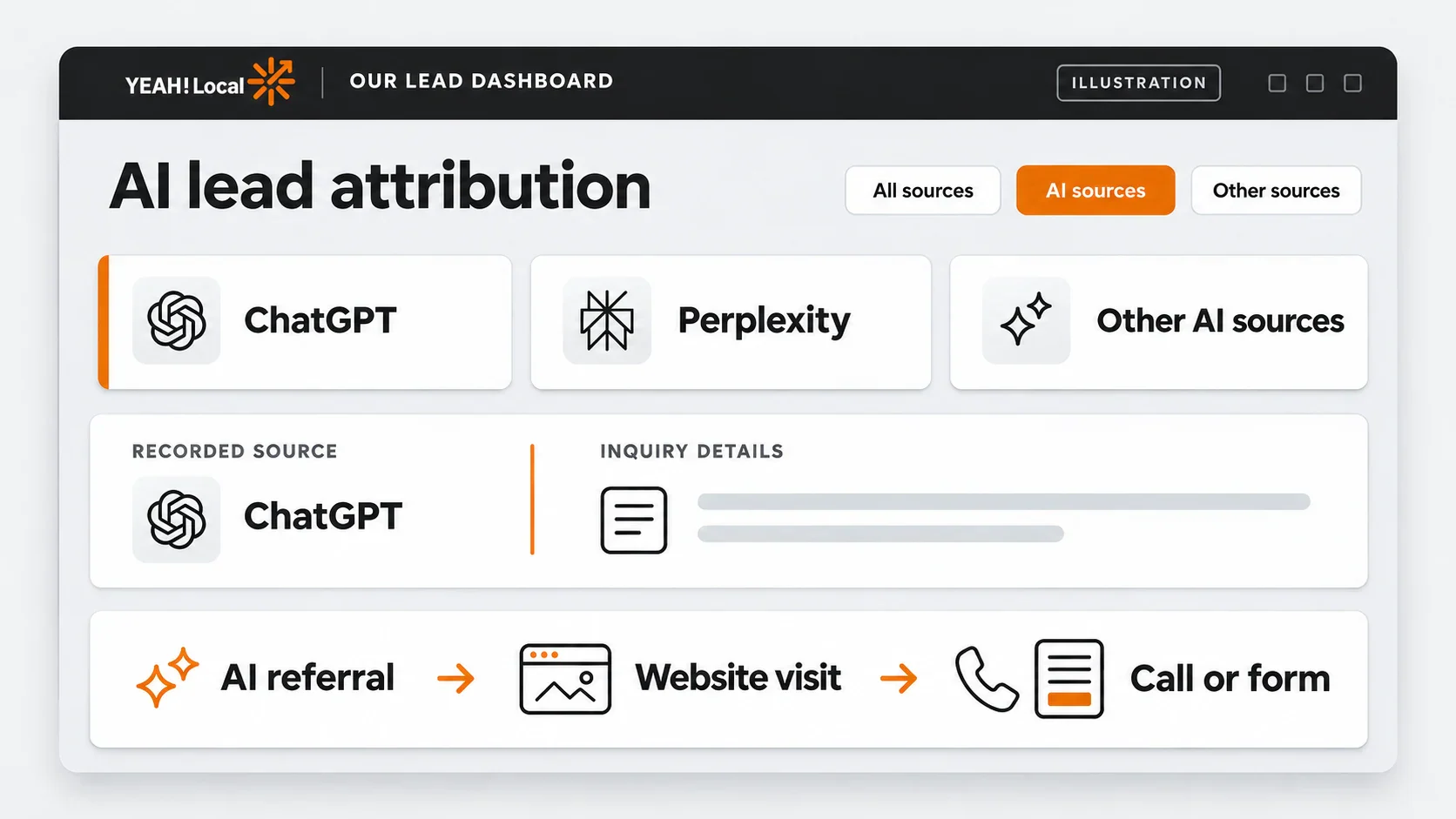
Table of Contents
Know what your tracking can identify
An identifiable AI referral starts with a website visit carrying a source signal from an assistant. When tracking connects that visit to a call, form, or chat, you have a recorded AI-referred inquiry to review.
A recommendation without a website click is a different path. Someone might read the answer and call your main number directly, or search your name later. Keep their answer to “How did you first hear about us?” alongside the recorded source instead of overwriting it. “Customer reported AI discovery; recorded visit came from branded search” is useful information.
Unknown visits should stay unknown. Google explains that direct traffic means there was no clear referral source. Moving unexplained traffic into an AI bucket would make the chart tidier and the evidence worse.
Google’s AI search features need a separate distinction. In GA4, AI Overviews and AI Mode belong to Organic Search rather than AI Assistant. A google / organic source alone cannot tell you which search surface produced an individual inquiry. Google’s separate AI visibility reports show impressions; they don’t prove that a particular person became a customer.
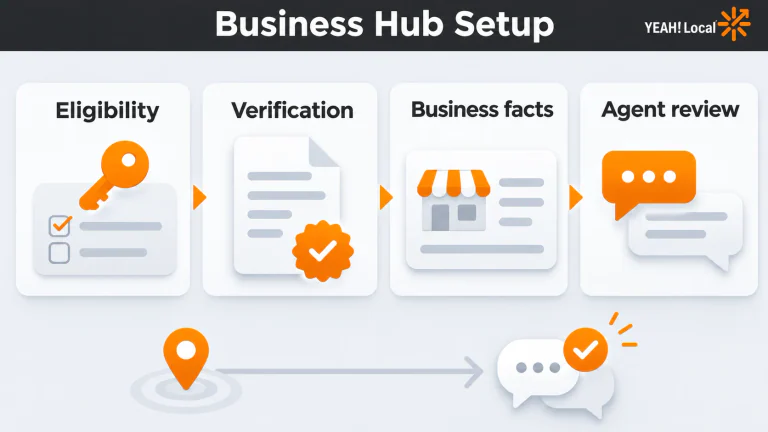
Before following the dashboard steps, confirm you’re in the correct business profile and can access both reports and inquiry details. Website tracking needs to be active on the pages where people arrive and contact you. Forms, chats, and external booking tools need the appropriate connection for your setup; installing a script does not by itself prove every contact method works.
For calls, dynamic number insertion means the website displays a tracking number tied to a visit. A call to that number can connect to the visit’s available source. The number must also forward to the right business line. A phone-link click tells you someone tapped; it does not prove the call connected.
If that foundation needs work, our lead tracking service is the relevant starting point. Ask to see a test inquiry arrive with its source, rather than stopping at confirmation that code was installed.
Find AI leads in our lead dashboard
Start with one source so you can see what the filter does. The following controls were checked in our lead dashboard on November 13, 2026. Access can vary by account and plan; if the report is missing, ask your agency to confirm your permissions and reporting access.
- Open Reports → Other Reports → View Full Report Library.
- Choose Leads by Source. The report builder shows Source and Medium under what to report on, with Lead Type as the measure.
- Select the date range above the chart. Use the period when the inquiries first came in.
- Choose Add Filter. Set Include, Source, and Matching RegExp.
- Type
chatgptinto Expression, then choose Add. - Inspect the applied filter chip. It should contain the expression
chatgpt, and the returned source rows should match what you intended to include.
That last check matters. Text sitting in an input is not proof it became part of the report. If the chip ends at “matching regexp” without your expression, reopen the filter, enter the text, and apply it again.
To look across several assistants, a suggested starter expression is:
chatgpt|perplexity|gemini|copilot|claude
The vertical bar means OR: include a source matching any of those terms. Inspect the returned sources and narrow unintended matches to the actual hostnames in your records. Keep each raw source available beside the grouped AI total so you can tell which assistant produced the recorded activity.
Leave Medium visible. Don’t add a blanket “referral only” condition: a matching source can appear with different media. If you run paid campaigns on an assistant platform, inspect the actual campaign information before treating the whole source as organic.
Ask your agency which visit the dashboard credits as the source. That could be a particular recorded visit along the customer’s path. You don’t need to change the account’s attribution model to follow this guide, and model-comparison features depend on access and plan.
Review the inquiries and follow the real opportunities
The source report gives you a group to investigate. Now use the inquiry list, apply the matching date and source filters, and open View Lead for an inquiry. Review the available call, form, chat, and journey details. What you can inspect depends on what your setup captured.
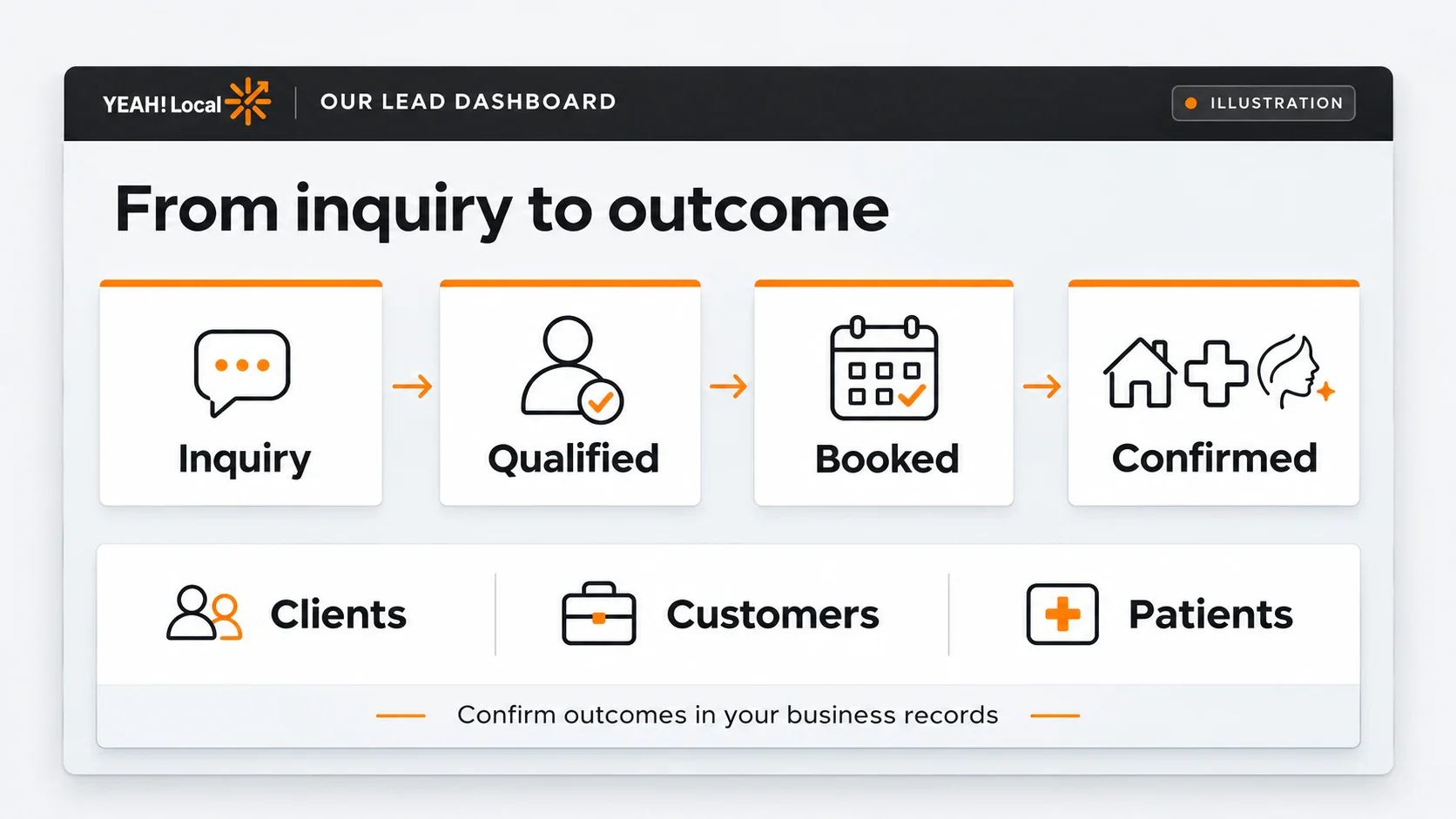
Decide what “qualified” means before marking records. In home services, that could mean someone needs a service you provide at a property inside your service area. In healthcare, it could mean a prospective new patient requesting an offered service and meeting your intake requirements. In aesthetics, it could mean a prospective client asking to book a consultation for a treatment you offer. An existing patient’s scheduling question may be legitimate activity without being a new-patient opportunity.
Keep the definition written down so the front desk and whoever prepares the report use the same standard. Mark unclear inquiries for follow-up rather than forcing a yes or no. A repeat caller might be a real prospect checking on an estimate; review whether that call belongs to an existing opportunity before counting another qualified prospect.
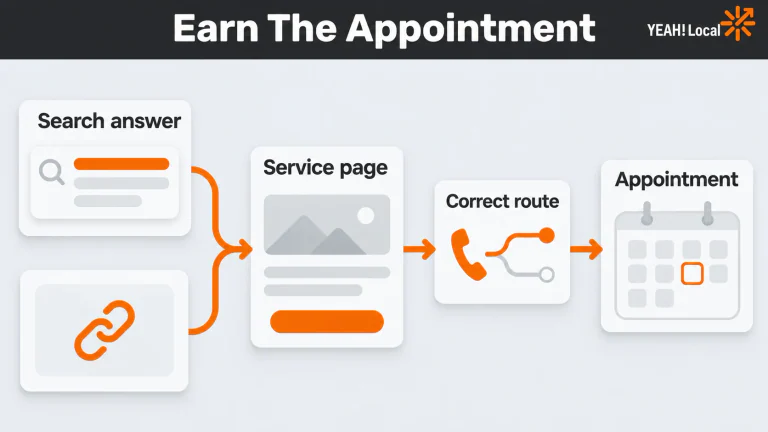
Here’s a hypothetical inquiry moving through the process. An AI answer links to your service page, and the visit arrives with an identifiable assistant source. The visitor submits a tracked form requesting a service or consultation. Your team confirms the request fits what you offer, then schedules the next step. That might be a service visit for a home services customer, a first appointment for a healthcare patient, or a consultation for an aesthetics client. Afterward, your business records show whether the service or appointment was completed and a new relationship was confirmed. Payment records show what was collected.
The dashboard supplies the source and inquiry record in that example. Your team supplies qualification and booking updates; your service, appointment, and payment systems supply the later confirmations. Use an internal inquiry or opportunity reference to connect them. If the person calls again before the appointment, add that activity to the same opportunity.
The report library also includes Quotable by Source, Quote Value by Source, and Sales Value by Source. “Quotable” identifies a prospective opportunity under your rules; it does not mean the person bought. Quote Value describes potential work. Sales Value reflects a confirmed sale entered or imported into the dashboard. Collected money still needs confirmation from your payment records.
Entering quote or sales value can also change a lead’s Quotable status. Use genuine approved values and your normal process; don’t add pretend amounts to make the report look complete. An estimate does not become revenue because somebody gave the column a more exciting name.
Compare the same group through bookings and customers
Choose a group by when the inquiries first arrived, then keep updating that same group as people book and work gets completed. This prevents a misleading comparison between this month’s new inquiries and appointments from people who first contacted you months ago.
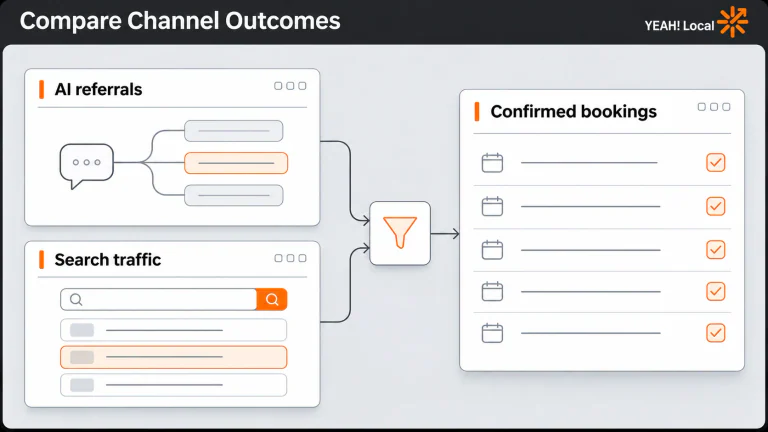
The table below is entirely hypothetical. Suppose these inquiries first arrived in October 2026, with outcomes and payments checked through November 13, 2026. The AI rows contain 12 inquiry activities, seven distinct qualified opportunities, four bookings, and three confirmed new clients, customers, or patients after completed services or appointments. One booking is still pending. In this example, payment records confirm the collected amounts for completed services or appointments; no payment has been collected for the pending booking. The Google row uses the same dates and qualification rules. None of these figures represents real client performance or an expected result.
| Recorded source | Inquiry activity | Distinct qualified opportunities | Booked | Confirmed new clients, customers, or patients | Collected revenue (USD) |
|---|---|---|---|---|---|
| ChatGPT | 8 | 5 | 3 | 2 | $900 |
| Perplexity | 4 | 2 | 1 | 1 | $450 |
| Identifiable AI total | 12 | 7 | 4 | 3 | $1,350 |
| Google organic, for comparison | 20 | 10 | 6 | 4 | $1,800 |
Seven qualified opportunities from 12 activities doesn’t mean the other five were all spam. They might include poor-fit inquiries, repeat contact, or inquiries still needing review. Preserve those reasons in the working records. Similarly, the pending booking hasn’t failed just because a reporting period ended.
In healthcare and aesthetics, use completed appointments and confirmed new patients or clients as separate fields when they differ. Define what confirms a new relationship instead of assuming that every attended consultation does. Add collected revenue when it has been reconciled to these same opportunities, recording the currency and the date through which payments were checked.
In your monthly report, record the inquiry period, outcome-check date, source, qualification definition, stage totals, collected revenue, and where the supporting records live. Leave an unknown value blank; use zero when someone checked and confirmed none. A blank payment field should not silently become “no revenue.”
Put someone in charge of updating pending opportunities before the next review. Use the dashboard’s source and value reports alongside your booking and payment records to keep the report current. A neatly formatted total cannot fill a missing handoff.
Test the contact path and fix the break
Before using the report to move budget, arrange a controlled test with the person managing tracking and the staff receiving inquiries. Agree on the contact method and label the test so nobody mistakes it for a customer. For appointments, use a procedure that won’t occupy real capacity.
Record the time, entry page, and available source signal. Where an actual assistant link is available, follow it and complete the contact path. Confirm the call or submission reaches the correct person, then find the matching inquiry and inspect its source. Repeat for the contact methods you intend to report, handling test records through your normal approved process.
A manually tagged test URL can check whether a source value passes into a record. It cannot prove that a real assistant sends that value. If the actual visit has no identifiable source, document that result and investigate the available signals.
Use the failure you observe to choose the repair:
| What breaks | Who should investigate and what to check | What a successful retest shows |
|---|---|---|
| The AI filter returns no rows | Report owner checks business profile, date, spelling, and the expression in the applied chip | The intended filter is visibly applied; any matching records appear. Zero matches still doesn’t establish zero AI influence. |
| An inquiry arrives without its source | Website implementer checks tracking on arrival and conversion pages, tag firing, cached pages, consent behavior, and redirects | The same contact path produces a matching inquiry carrying the source available on the test visit. |
| The phone number doesn’t swap, or the call never arrives | Call-tracking implementer checks installed code, the number configured for replacement, and forwarding; isolate prior cookies with a private-window test | The intended number appears, the call reaches the business, and its inquiry record carries the available source. |
| An external booking loses the connection | Booking implementer checks the actual tool’s completed-booking event and source handoff | A completed test booking reaches the correct destination and matches an inquiry with its available marketing data. A button click alone doesn’t pass. |
| Repeat calls inflate qualified totals | Front desk reviews the inquiry history and opportunity reference | The activities remain recorded while the same opportunity is counted once in the distinct-qualified total. |
A direct call to a main number outside the tracked website visit needs a different expectation. Capture customer-reported discovery if available; a website number swap cannot reconstruct a visit that didn’t happen. Fix delivery failures before attribution details. A perfectly labeled inquiry that never reaches your staff is still a broken contact path.
Give the monthly review a job
Review the source group, qualification reasons, pending bookings, completed outcomes, and payments together. If the source is missing, assign the tracking repair. If inquiries are consistently outside your service or area, inspect the message and pages attracting them. If qualified people aren’t booking, review response time and follow-up with the office.
Small counts call for patience: one additional booking can change the picture considerably. Keep the dates and definitions consistent, record what you changed, and return to the same opportunities at the next review.
If you need help seeing that path in your own reporting, Help Me Get More Leads. We can talk through the tracking, lead quality, and handoffs you need to understand before deciding where more marketing money belongs.
Last updated