7 Website Conversion Fixes for Local Service Businesses

Key Takeaway
Find and fix the friction costing your local-service website calls, quote requests, and bookings with a practical seven-step conversion audit.
"Get more conversions" sounds useful until you try to diagnose it.
A phone-link click is not a completed call. A submitted form is not automatically a qualified inquiry. A booked appointment is not a completed job. Those are different facts, owned by different parts of the business.
So before changing a headline, button, form, pop-up, or anything else that looked exciting in a software demo, choose one service page and one qualified next action. Maybe it is a call about emergency plumbing in your service area. Maybe it is a completed consultation request for the right type of patient. Keep the scope that specific.
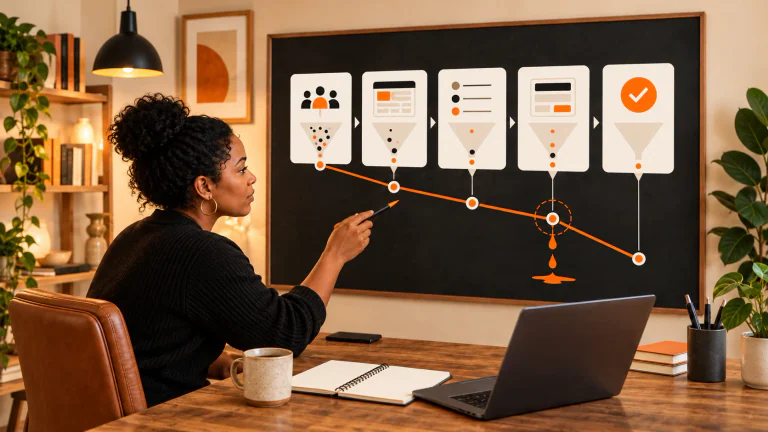
Now follow that one path from the page to the call or form, the confirmation, the person who receives it, and the next business step. You are looking for the first place the experience breaks or becomes confusing. Fixing that gives you something real to judge; a generic promise to “increase conversions” does not.
| What you notice | Where to look first | What to check next |
|---|---|---|
| Visitors reach the page but the next step is unclear | Service and action clarity | Can someone name the service, location fit, and next step from the page itself? |
| Calls or forms appear to happen, but staff never receives them | Contact path | Complete the path on a phone and computer, then confirm delivery and ownership. |
| The form is hard to finish or errors are confusing | Form design | Check fields, labels, error messages, input types, confirmation, and delivery. |
| The page is slow, jumpy, or difficult to use on a phone | Mobile usability and performance | Walk the real path on a device, then review field data when it is available. |
| Prospects keep asking whether the business serves their need | Fit and proof | Put accurate service-area, process, credential, or review evidence near that hesitation. |
| Chat, pop-ups, or downloads interrupt the main action | Extra conversion tools | Decide whether the tool answers a real need or merely creates another task. |
| Website actions increase but useful inquiries do not | Measurement and handoff | Compare the website action with qualification, booking, and completed outcomes separately. |

Table of Contents
Before the fixes: define the conversion and the baseline
Write down four things:
- The exact service page you are reviewing.
- The intended website action, such as a call, quote request, consultation request, or booking.
- What makes the resulting inquiry qualified for your business.
- The next milestone you care about, such as an appointment booked or a job completed.
If the business cannot agree on what "qualified" means, settle that definition before optimizing the page. Otherwise, a change can produce more form entries while making the sales team's day worse. A busier inbox is not a growth strategy.
Save the numbers you already have for that page and period: relevant visits, calls or forms, useful inquiries, and the next milestone. If you do not know one of them, write that down. A benchmark from another industry will not fill the hole.
Fix 1: Make the service, fit, and next step obvious
A local-service page has to answer three practical questions:
- What service is this?
- Is it for someone like me, in my location and situation?
- What happens if I take the next step?
Read the page from the perspective of a skeptical visitor. By the time that person reaches the button, they should understand the service, know whether the location and situation fit, and know what the click starts. Look for a clear service description, accurate service-area or eligibility details, and an action label that describes the result. "Request an estimate" is more informative than "Submit." "Check appointment availability" makes a different promise than "Book now." The label should match what the business actually does next.
Then check whether the page answers the hesitation that appears immediately before action. That may be who performs the work, which locations are served, what the consultation includes, how soon someone responds, or what information the visitor should have ready. Do not add every possible answer above the button. Add the answer needed to make this particular next step understandable.
For a deeper review of the offer, action, and proof on one local-service page, use these three website changes to improve conversions.
Fix 2: Test the whole contact path yourself
Do this before debating copy or button colors. A broken form does not need an A/B test. It needs fixing.
Test the applicable path on both a phone and a computer:
- Tap the phone link and confirm it opens the correct number.
- Complete the form with safe test information.
- Start and finish the booking route.
- Trigger a validation error on purpose and confirm the message explains what to correct.
- Check the success message or confirmation page.
- Confirm the inquiry reaches the right inbox, system, or person.
- Confirm someone owns the response and that the stated response expectation is accurate.
Do not stop at "the form said thank you." A successful on-screen message paired with an inquiry that vanished into an abandoned inbox is a decorative success. Test the route on mobile and desktop, read the confirmation, and make sure a named person receives it.
If the mechanics fail, fix that first and repeat the test. If the website hands the inquiry into a longer sales or scheduling process, map that handoff before judging the page alone. This guide to creating a high-converting funnel can help frame the steps after the initial website action.
Fix 3: Remove form friction without removing useful qualification
"Shorter form" is not a complete strategy. The better rule is to ask only for information required to route, respond to, or qualify the stated next step.
A name and phone number may be enough for one urgent service. A consultation request may need the service type, location, or another detail before the right person can respond. Removing a necessary field can shift work from the visitor to staff and reduce the usefulness of the inquiry. Keeping a field because "we might want it later" is not much better.
Walk through each field with the person who answers the inquiry. Keep what they need to route or respond, and challenge everything else:
- Is it needed at this stage?
- Does its label remain visible when someone types?
- Does the input type fit the information requested, especially on a phone?
- Does an error message identify the problem and how to correct it?
- Can someone move through the form with a keyboard?
- Does the confirmation explain what happens next?
The W3C Web Accessibility Initiative form-label guidance explains why controls need identifying labels and how explicit label associations help browsers and assistive technology present them. Following that guidance does not certify the entire form as accessible, and it does not prove a conversion increase. It does give the form a sounder foundation.
Fix 4: Improve mobile usability and performance where the path is slow
Once the contact route itself works, pick up an actual phone and try the task. Can you read the page, tap the main action, enter information, recover from an error, and see the confirmation without zooming, hunting, or waiting through obvious delays? Repeat the route on a computer because the two experiences can fail differently.
Then use performance data to investigate what the walkthrough exposed. Current Web Vitals guidance names three Core Web Vitals:
- Largest Contentful Paint (LCP) describes loading performance.
- Interaction to Next Paint (INP) describes responsiveness to interaction.
- Cumulative Layout Shift (CLS) describes visual stability.
The field assessment uses the 75th percentile of measured page loads and evaluates mobile and desktop separately. That is far more useful than treating one lab score as a universal conversion threshold.
Some lower-traffic pages will not have enough page-level field data. In that case, use lab diagnostics to find likely causes and document that field data was unavailable. A lab report can point toward a delayed image, blocking script, or shifting layout. It cannot tell you how every real visitor experienced the page, and it cannot forecast a conversion lift.
When performance evidence identifies a real problem, follow the full Google PageSpeed Insights improvement workflow rather than chasing an arbitrary score.
Fix 5: Put credible proof beside the hesitation it answers
Next, listen to the hesitation that shows up before a customer reaches out. Proof should do a job. A review can address uncertainty about reliability. A credential can answer whether a provider is qualified. A service-area statement can prevent the wrong visitor from starting the process. A short explanation of what happens during a consultation can reduce uncertainty about the next step.
Choose proof that is authentic, attributable, current enough for the claim, and relevant to the service on the page. Then place it near the hesitation it resolves. A wall of generic praise at the bottom of the page may look impressive while answering none of the visitor's immediate questions.
Compliance matters here, too. The Federal Trade Commission's Consumer Reviews and Testimonials Rule Q&A explains that reviews featured in a business's marketing become testimonials and addresses incentives conditioned on positive or negative sentiment. Use real, permitted proof and represent it accurately. This is practical marketing guidance, not legal advice.
Fix 6: Use chat, pop-ups, and lead magnets only when the journey needs them
Only after the page and contact route are clear should you consider chat, pop-ups, or lead magnets. They are tools, not mandatory website furniture.
Modern software has made it dangerously easy to add one. First ask whether the tool helps this visitor complete the intended journey without creating a new interruption, privacy issue, response obligation, or dead end.
| Visitor situation | Better first option | When an extra tool may help | Warning sign |
|---|---|---|---|
| Urgent local-service need | Visible call or booking path | Chat with accurate, staffed answers if visitors repeatedly need clarification | Chat delays the direct action or pretends to be staffed when it is not |
| Considered service with several decision questions | Clear page answers and consultation path | A useful guide when visitors genuinely need education before contacting | The download replaces the service action or exists only to collect email addresses |
| Repeated operational question | Put the answer on the page | Chat may route unusual cases to a real owner | Automated answers are stale, vague, or have no handoff |
| Exit or interruption prompt | Let the main page do its job | A dismissible, tested prompt for a specific visitor need | The prompt blocks content, repeats across pages, or competes with the primary action |
Google's page-experience guidance asks site owners to consider intrusive interstitials and excessive distractions as part of the overall experience. That does not prove a pop-up will reduce conversions or rankings. It does support a sensible rule: an interruption should earn its place, stay dismissible, and not smother the page's main task.
Fix 7: Measure one change through the next business outcome
Once you have found a real obstacle, write down what you are changing and why:
On [service page], we saw [specific obstacle]. We will change [one meaningful item] because it may help more visitors complete [defined website action]. We will confirm the new path works, watch [website signal], and check whether those inquiries became [useful inquiry, booking, or other defined outcome] during [defined period].
Make one meaningful change when practical, then record the date, owner, context, and rollback option. If the business has enough comparable traffic and the right setup for a formal A/B test, define the hypothesis and evaluation plan before launching it. Do not peek at a few early actions and crown a winner.
With low traffic, you may not get a clean A/B test. You can still verify the mechanics, review real customer questions and staff notes you are allowed to use, and compare a reasonable before-and-after period. Record changes in traffic, campaigns, seasonality, outages, or staffing that could muddy the comparison, and treat the result as a clue rather than proof.
Google Analytics can help with the website side of the record. Its events documentation explains how events measure interactions and that a collected event can be marked as a key event. Google's key-event tutorial shows a confirmation-page generate_lead example and how to verify it in Realtime when the implementation matches.
That verifies analytics activity. It does not tell you whether the inquiry was qualified, whether an appointment was booked, or whether a job was completed. Keep a separate business record for those outcomes.
For a broader testing and documentation process, use the local-business CRO checklist.
Run this 30-minute conversion-path check
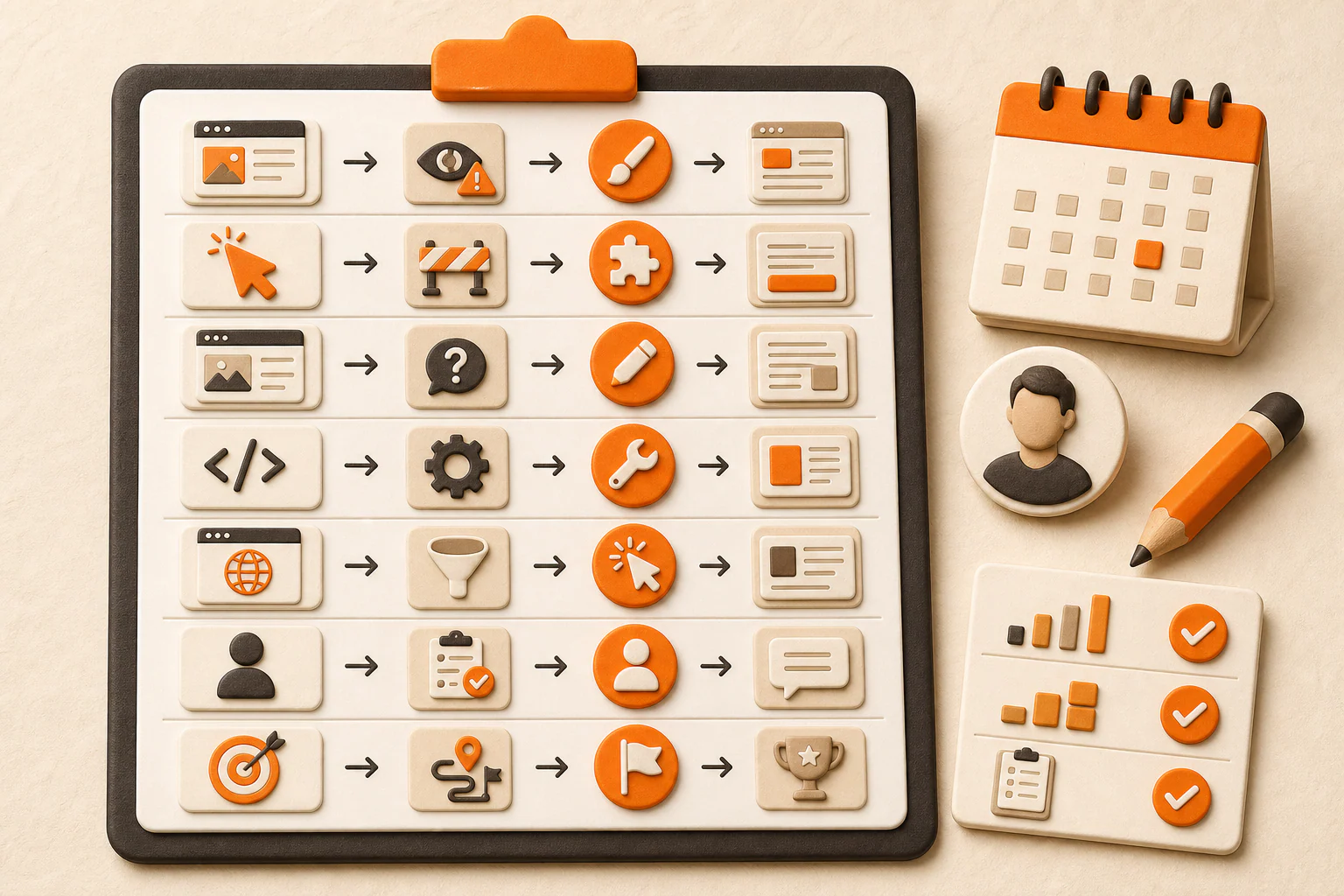
Use the same sequence whenever you review a local-service page:
- Pick one service page and one intended action.
- Define what makes the resulting inquiry qualified.
- Read the page for service, location or eligibility fit, and an honest next step.
- Complete the call, form, or booking path on mobile and desktop.
- Check labels, errors, confirmation, delivery, and ownership.
- Investigate any observed mobile or performance problem with the right data.
- Verify proof and remove tools that interrupt the main journey without earning their place.
- Choose the first confirmed obstacle, make or assign one bounded change, and log it.
- Recheck the whole path after the change.
- Review the website action and what those inquiries became as two separate questions.
Start with the first confirmed break, not the most fashionable tactic. If the same review exposes disconnected problems across visibility, the offer, the website, lead handling, and measurement, the broader YEAH! Local Growth Engine explains how those parts fit together.
Last updated